Case Study: Sales CRM Management System
“Sales CRM System | Leads, Opportunities, and Invoices” explains the project scope and what this practical case study demonstrates. This is a supporting case study, not the main product page. To commission a similar system, see Business and Administrative Systems Design and Development. This section presents “Case Study: Sales CRM Management System” through the project scope and delivery outcomes.
A CRM and sales system that helps companies manage leads, opportunities, accounts, quotes, sales orders, invoices and reporting from a single control panel.
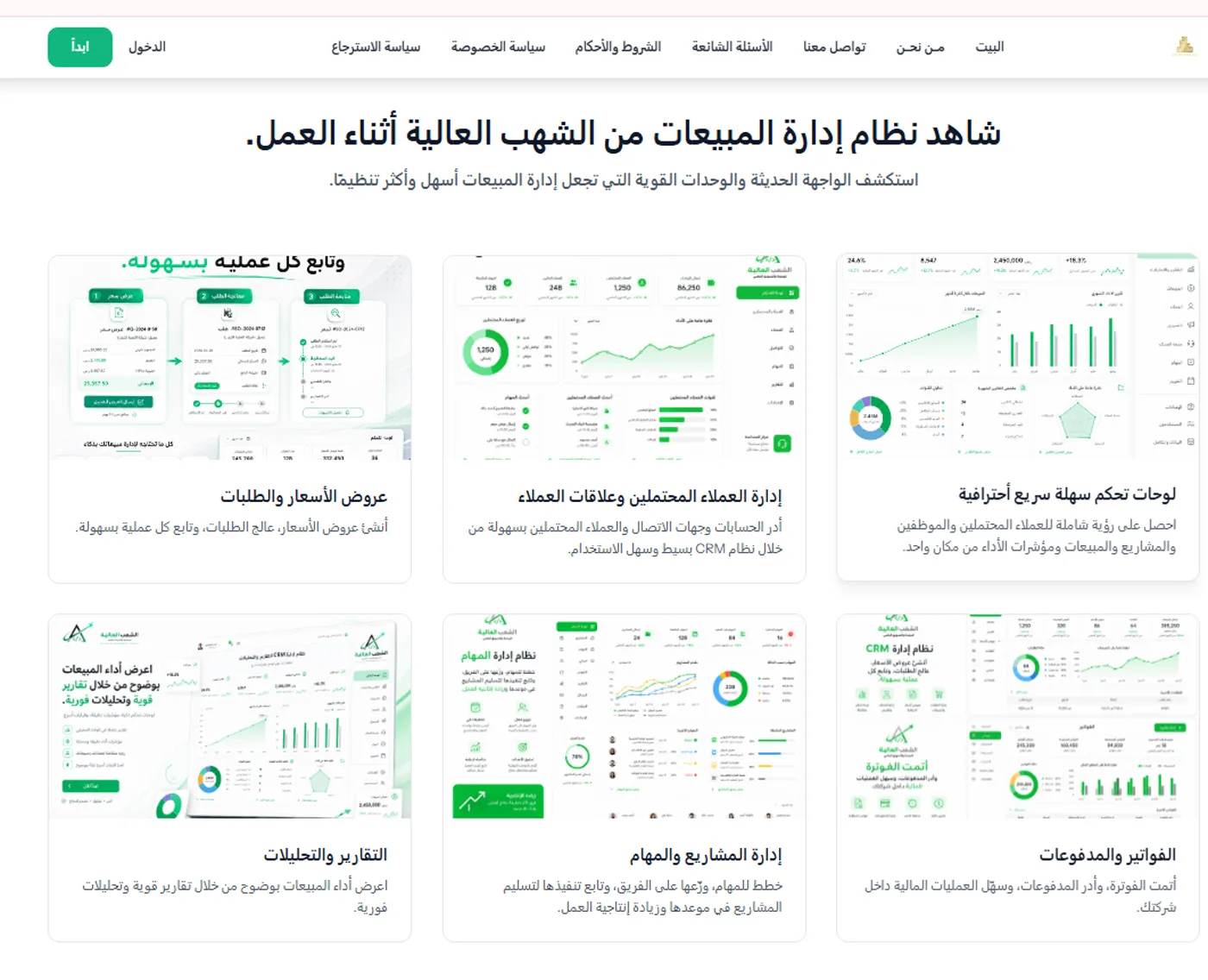
Project overview
The CRM sales management system is an Arabic platform that runs the whole sales cycle, from the first lead through to invoicing and follow-up. The user starts by adding leads, setting their status and viewing them on a Kanban board, then tracks opportunities and sales stages, manages accounts and contacts, and issues quotes, sales orders and invoices. Behind the scenes the platform provides a company dashboard and reports on leads, contacts and projects, through an Arabic RTL interface that organises the sales team's work in one place instead of across scattered tools.
The challenge
Lead data scattered across different tools.
Difficulty tracking opportunities and sales stages.
The need to bring order to quotes, sales orders and invoices.
Poor visibility of sales and team performance.
The need for reporting that helps management keep track.
Bringing customer and account data together in one place.
The solution Al Shohab Al Aliyah delivered
A central control panel (the company dashboard).
Lead management with statuses and a Kanban board.
Opportunity management, account management and contacts.
Quotes, sales orders and invoices.
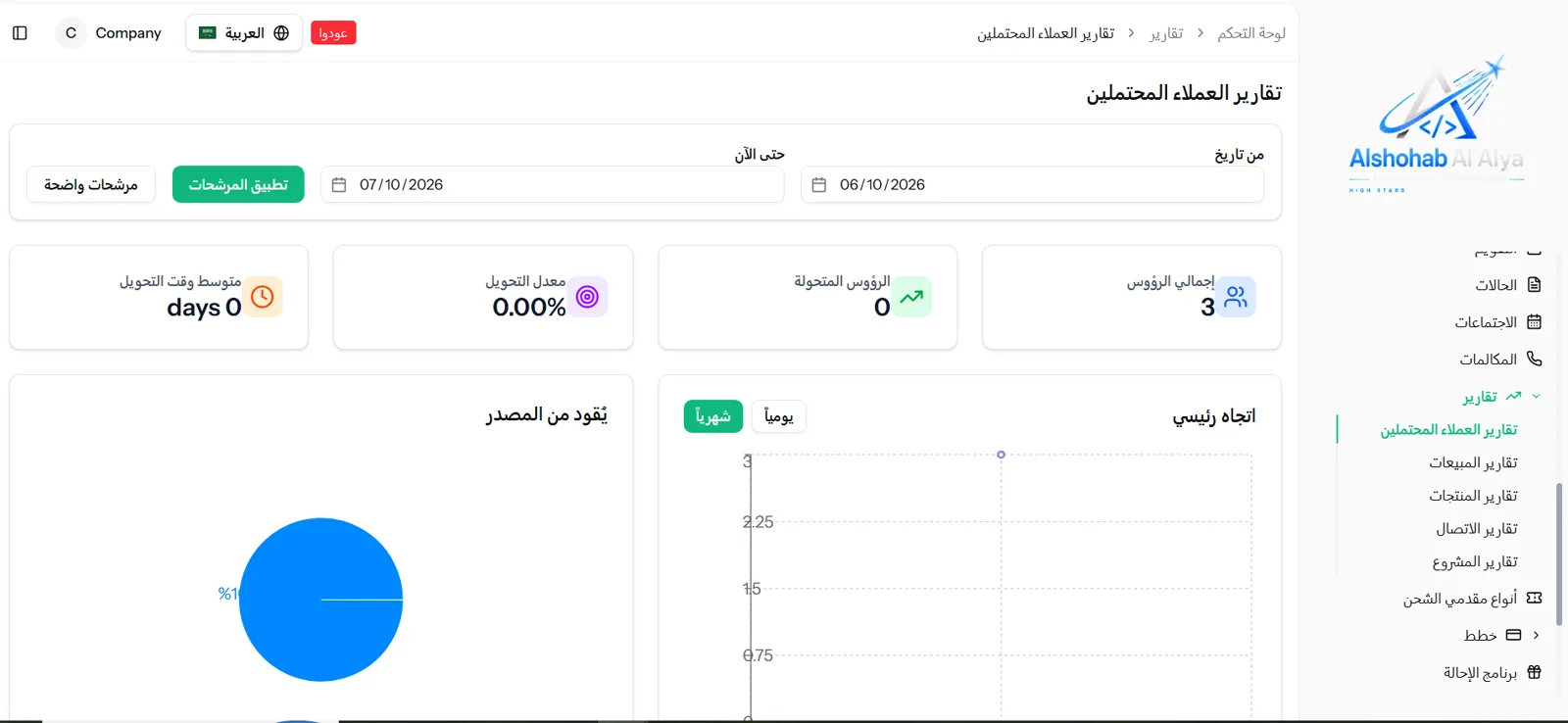
Reporting on leads, contacts and projects.
An organised Arabic RTL interface for the sales team.
What was built
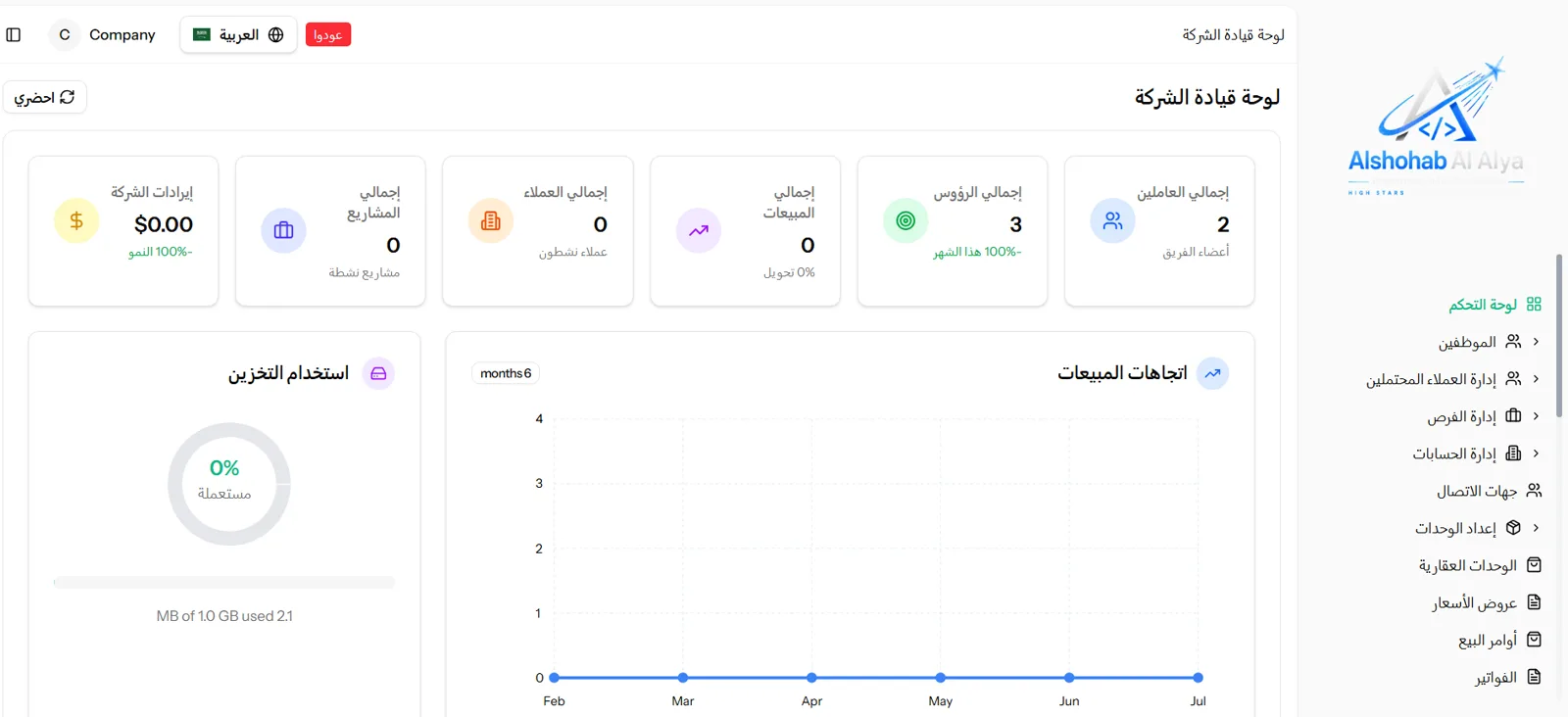
The company dashboard
An overview of customers, sales, projects and the team.
Lead management
Adding leads, following them up, and tracking their sources.
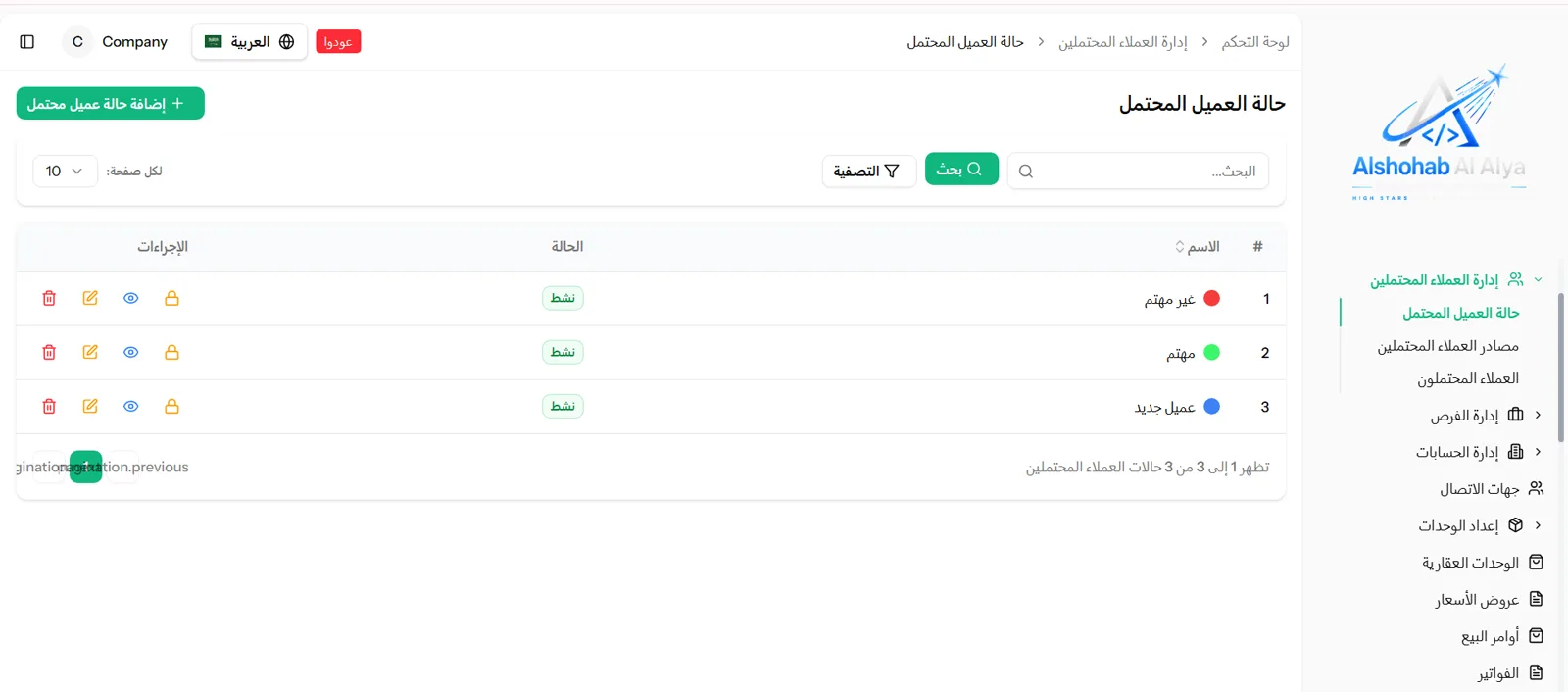
Lead statuses
Status categories: not interested, interested, new customer.
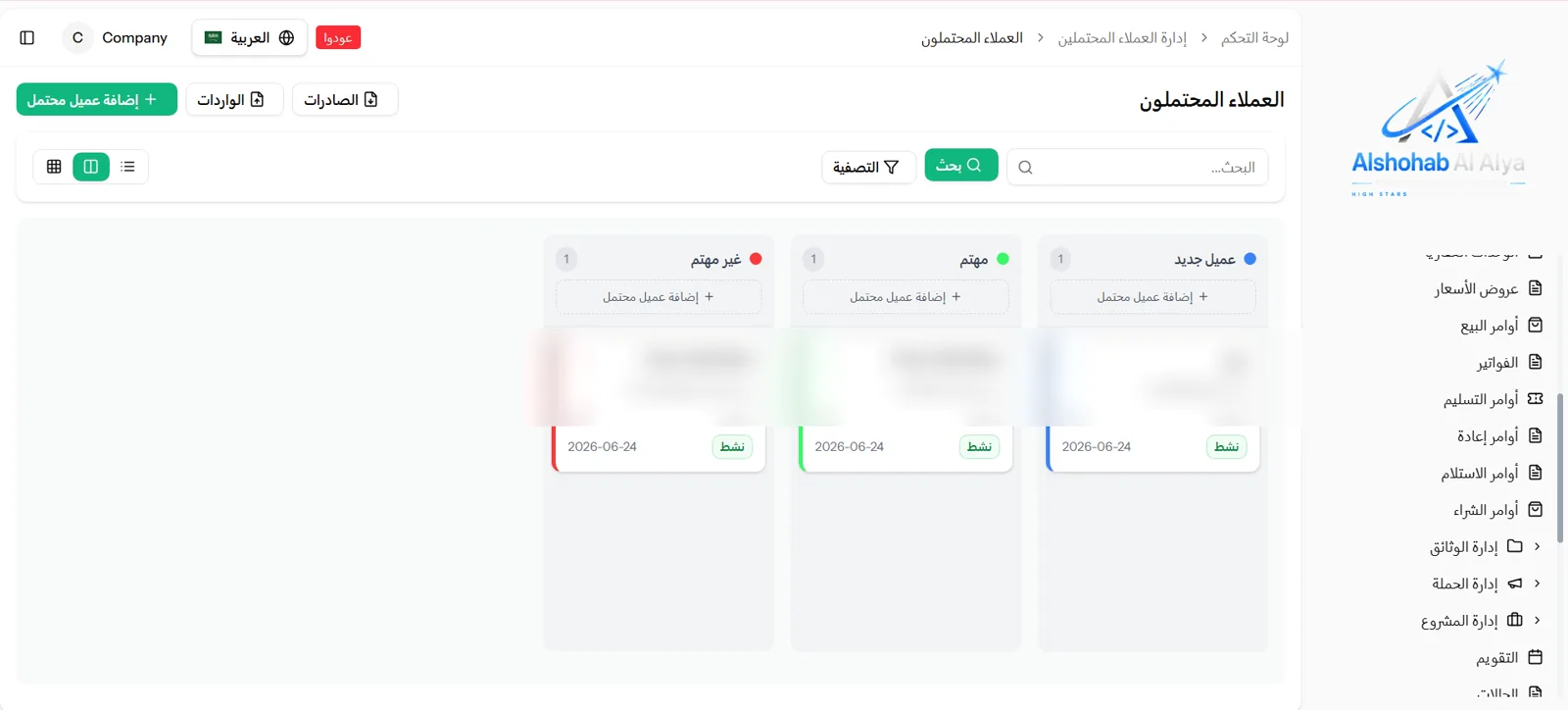
Kanban board Board
Displaying leads as cards grouped by status.
Opportunity management
Tracking sales opportunities and their stages through to close.
Account management
A record of customer accounts and the companies linked to them.
Contacts
Managing contacts and linking them to accounts and opportunities.
Quotations
Creating quotes, sending them and following them up.
Sales orders
Converting quotes into sales orders and managing them.
invoices
Issuing invoices and tracking their collection.
reports
Reporting on leads, contacts and projects.
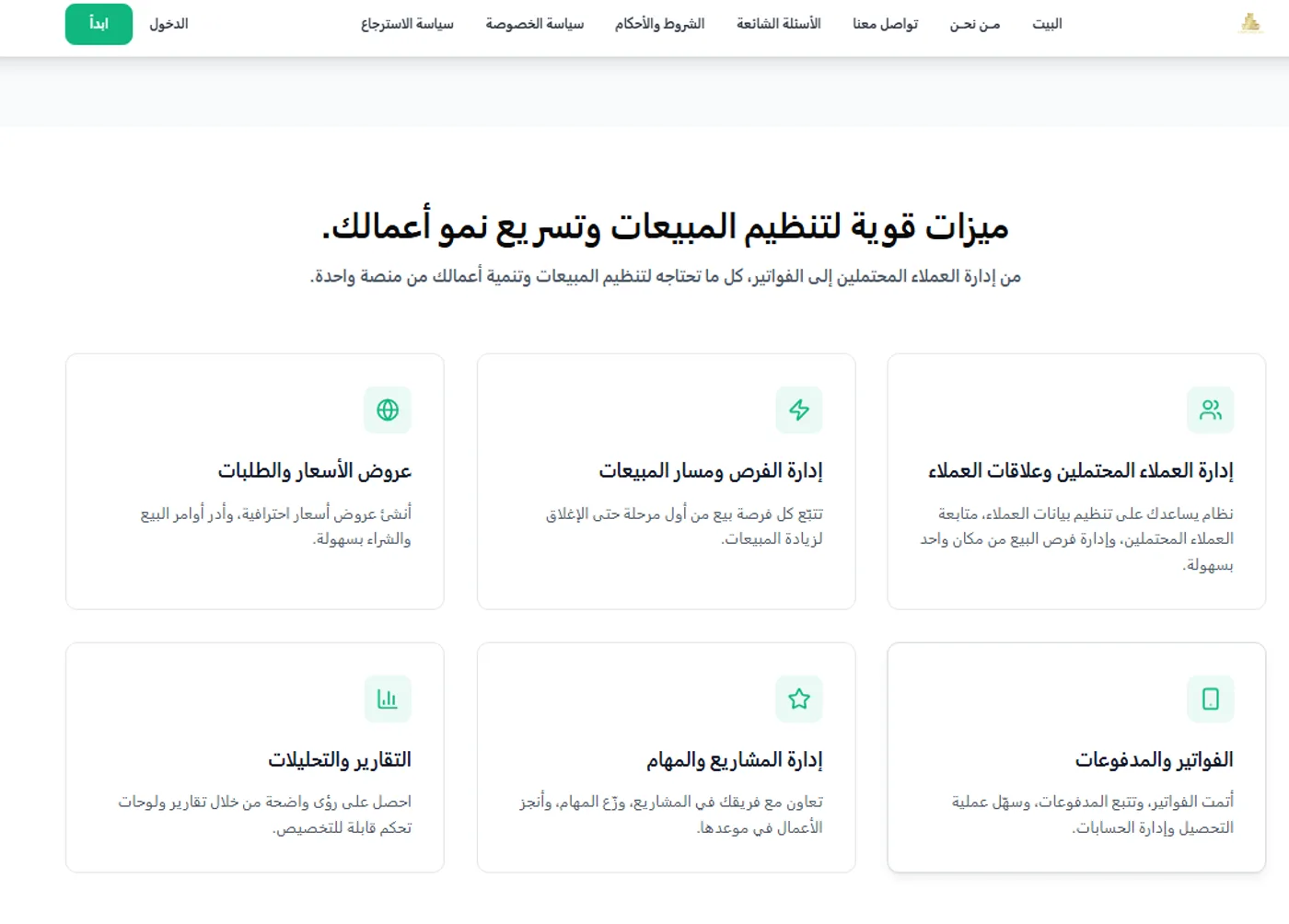
Introductory pages and FAQs
Pages covering the system's strengths and FAQs, for orientation.
The usage journey
Adding a lead
The user adds a lead with their basic details.
They set the lead's status and view them on the Kanban board.
They follow the opportunity through the various sales stages.
They create a quote for the customer from within the system.
They convert the quote into a sales order once it is approved.
They issue the invoice and track its collection.
They track performance through the customer, contact and project reports.
Business value
Bringing order to the sales cycle from lead through to invoice.
Improving the follow-up of leads and opportunities.
Unifying the information in one system instead of scattered tools.
Making follow-up easier for the sales team.
Supporting decision-making with reports and charts.
Reducing the confusion of scattered spreadsheets and tools.
Image gallery
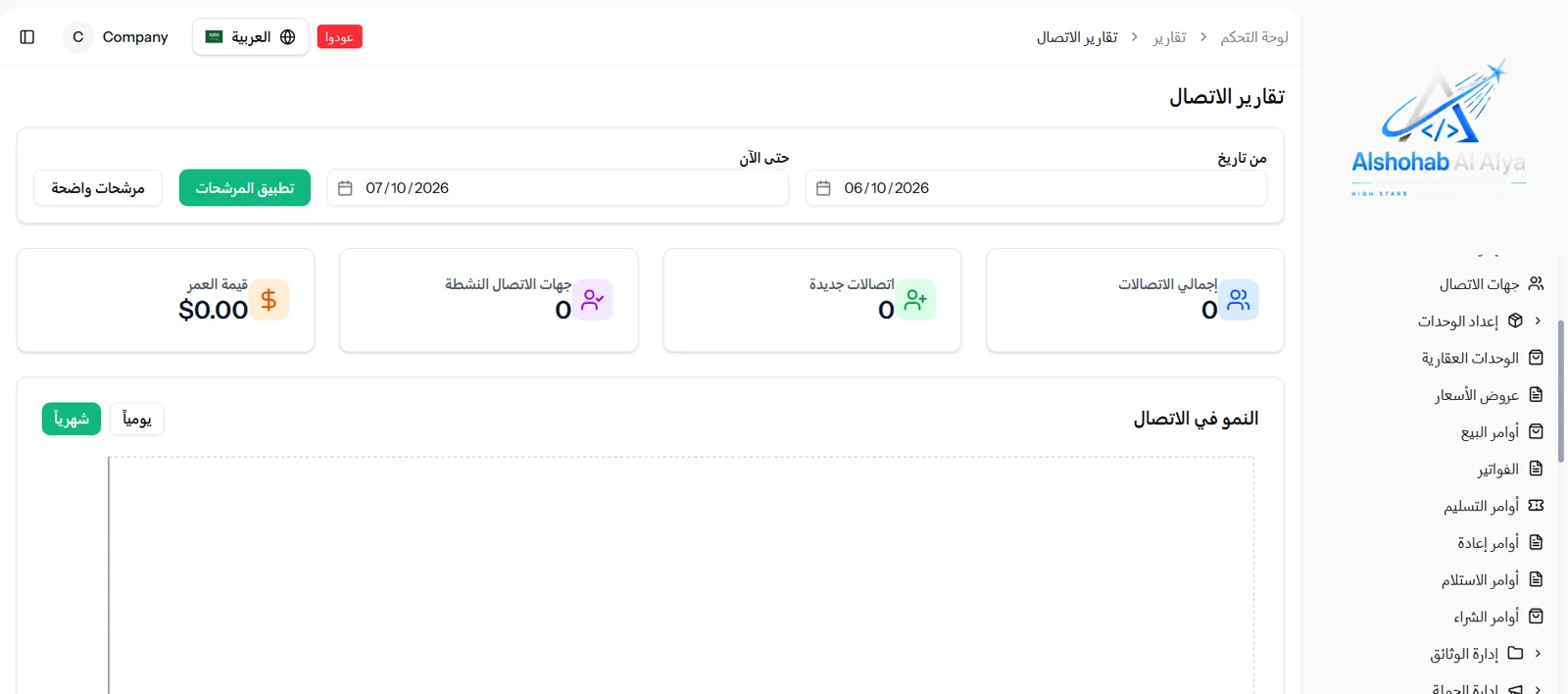
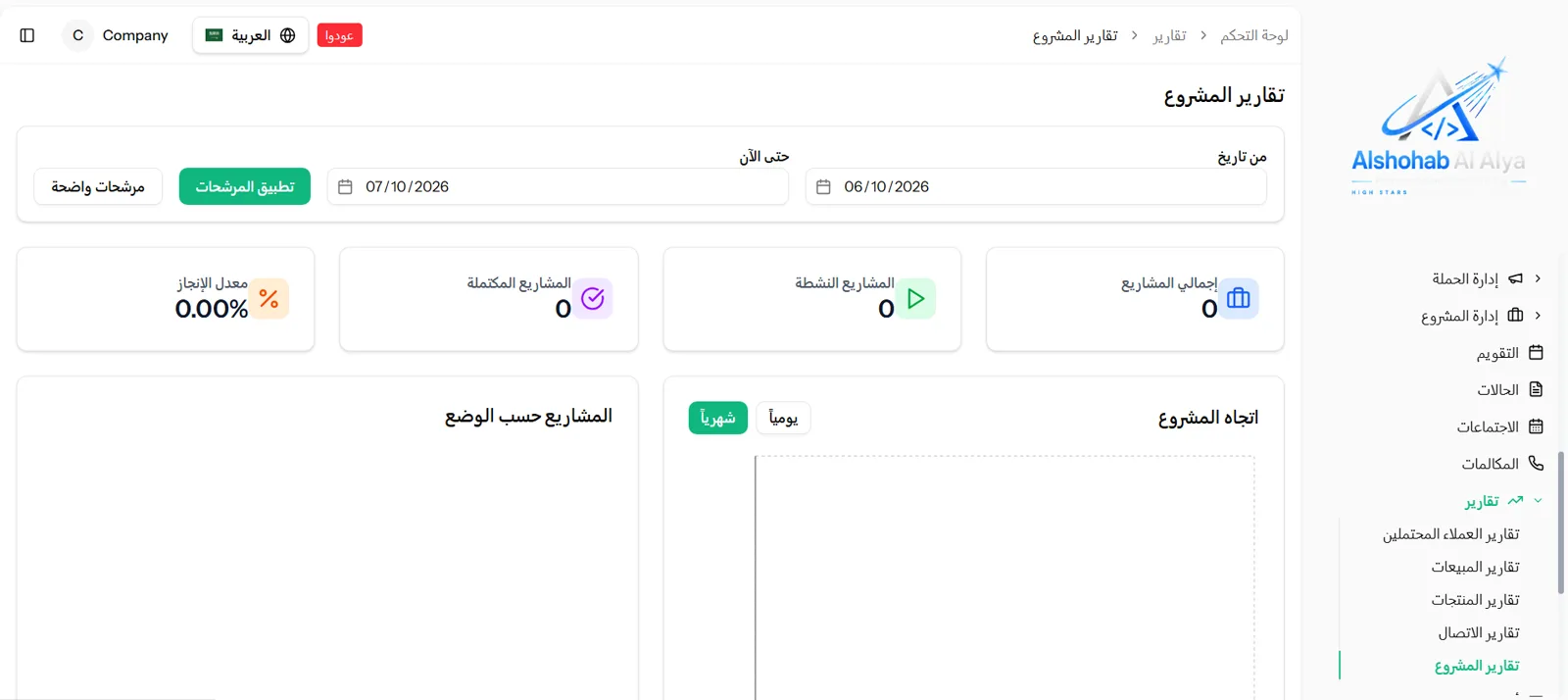
Screenshots of the system's screens, shown only to illustrate the modules. The data displayed is sample data for demonstration and does not represent real figures.
Project links
View the system directly, or contact Al Shohab Al Aliyah to build a similar CRM and sales system for your business.

Ready for your next project?
WithAl Shohab Al Aliyah
Tell us about your idea and we'll build you a complete digital system — programming, automation and AI, and digital marketing.
Frequently asked questions about the CRM sales management system
Clear answers about this system and how we can help you build a similar CRM and sales system. Find out about our methodology in Case Studies or take a look at Al Shohab Al Aliyah Services.
The CRM sales management system is an Arabic platform that helps companies run the whole sales cycle: leads and their statuses, opportunities, accounts, contacts, quotes, sales orders, invoices and reporting, all from a single control panel.
The system provides lead management with statuses (not interested, interested, new customer), a Kanban view, and tracking of their sources and reports, so follow-up is organised for the sales team.
Yes. The system includes opportunity management and a sales pipeline for following each opportunity from the first stage through to close, linked to accounts, contacts and quotes.
Yes. Quotes can be created and converted into sales orders and then invoices, with orders tracked — all within the same platform, linked to the customers and the reporting.
Yes. The system has an Arabic RTL interface and suits companies across Saudi Arabia and the Gulf, and Al Shohab Al Aliyah can customise and connect it to fit local market requirements.
Yes. The modules, statuses, fields and reports can all be customised to suit the nature of the company's business and the size of its sales team, on a structure that can scale.
Contact Al Shohab Al Aliyah through the contact page or on WhatsApp, and we start with a session to understand your requirement and set a clear plan for building a CRM and sales system that suits your business.